Deposit Using Other Bank Transfers (RTGS / EFT / SWIFT)

These transfers use your bank’s RTGS, EFT, or SWIFT wire option and may take longer to reflect than an instant Pesalink transfer.

Deposit Using Other Bank Transfers (RTGS / EFT / SWIFT)

Deposit to

Select your fund

Account No:
0012400721001
Account Name
Cytonn Money Market Fund Collection Account
SWIFT Code
SBMKKENA
Branch Code
001
Bank Code
060
Branch
City Centre Branch
Account No:
0082377611001
Account Name
Cytonn High Yield Fund Collection Account
SWIFT Code
SBMKKENA
Branch Code
008
Bank Code
060
Branch
Riverside Mews
Account No:
0082378419001
Account Name
Cytonn Money Market Fund (USD) Collection Account
SWIFT Code
SBMKKENA
Branch Code
008
Bank Code
060
Branch
Riverside Mews
Account No:
01999330000474
Account Name
Cytonn Money Market Fund Collection Account
SWIFT Code
SIDNKENA
Branch Code
100
Bank Code
066
Branch
Head Office
Account No:
01999330000484
Account Name
Cytonn High Yield Fund Collection Account
SWIFT Code
SIDNKENA
Branch Code
100
Bank Code
066
Branch
Head Office
Account No:
01999330000504
Account Name
Cytonn Money Market Fund (USD) Collection Account
SWIFT Code
SIDNKENA
Branch Code
100
Bank Code
066
Branch
Head Office
Account No:
0269867003
Account Name
Cytonn Money Market Fund Collection Account
SWIFT Code
DTKEKENAXXX
Branch Code
070
Bank Code
063
Branch
Mwanzi - Westlands
Account No:
0269867005
Account Name
Cytonn High Yield Fund Collection Account
SWIFT Code
DTKEKENAXXX
Branch Code
070
Bank Code
063
Branch
Mwanzi - Westlands
Account No:
0269867004
Account Name
Cytonn Money Market Fund (USD) Collection Account
SWIFT Code
DTKEKENAXXX
Branch Code
070
Bank Code
063
Branch
Mwanzi - Westlands
Account No:
0100018709133
Account Name
Cytonn Money Market Fund Collection Account
SWIFT Code
SBICKENX
Branch Code
010
Bank Code
031
Branch
Upperhill Branch
Account No:
0100018709214
Account Name
Cytonn High Yield Fund Collection Account
SWIFT Code
SBICKENX
Branch Code
010
Bank Code
031
Branch
Upperhill Branch
Account No:
0100018709168
Account Name
Cytonn Money Market Fund (USD) Collection Account
SWIFT Code
SBICKENX
Branch Code
010
Bank Code
031
Branch
Upperhill Branch

On your Bank App or USSD code

  • On your bank app, select RTGS, EFT, or international wire transfer
  • Enter the account name, account number, branch and SWIFT code shown above
  • On narration/description, enter your CMMF client code and name e.g. Client code 123456 – John Doe
  • Confirm and complete the payment
  • Email your proof of payment to clientservices@cytonn.com
  • Your investment will reflect once the transfer clears and proof of payment is confirmed.
Deposit Using Digital Dollars (USDC/USDT)

Important: Only send the selected stablecoin using the supported network. Sending assets through an unsupported network may result in permanent loss of funds.

NEW

Deposit Using Digital Dollars (USDC/USDT)

Supported Networks

Solana USDC(SOL) BNB Smart Chain (BEP20)

Go to our Client Portal

  • Select Network
    Choose the supported network for your deposit.
  • Select Coin
    Choose USDC as your deposit currency.
  • Generate Deposit Address
    Generate your unique deposit address.
  • Send USDC or USDT
    Send USDC or USDT to the generated address from your wallet.
  • Confirmation
    Once confirmed on the blockchain, the equivalent KES value will reflect in your Cytonn account.
Deposit Using Lipa na Mpesa

Deposit Using Lipa na Mpesa

Select your fund

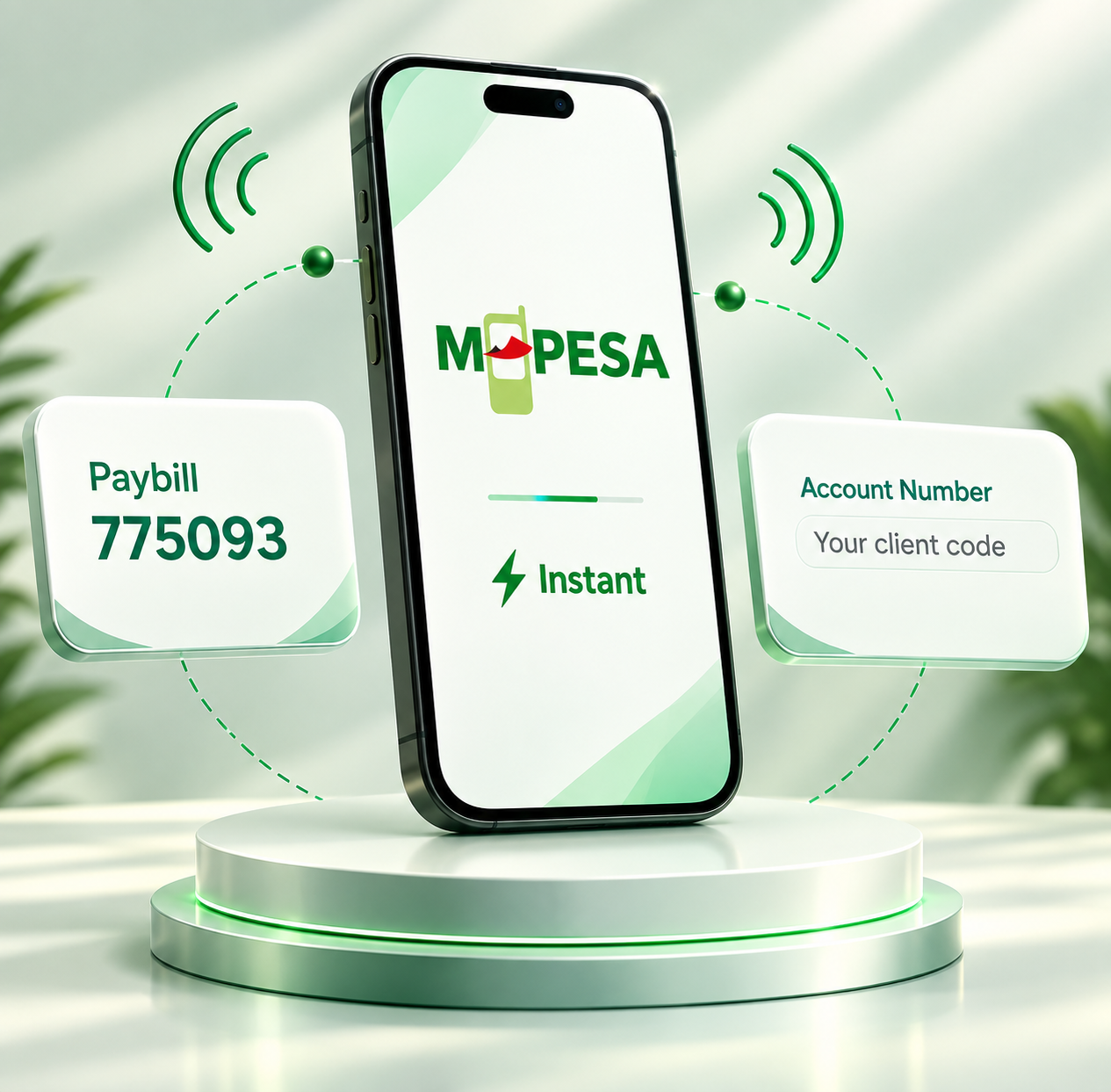
Business Number:
775093
Account Number:
Your client code
Business Number:
788367
Account Number:
Your client code

On your phone

  • Go to M-PESA
  • Select Lipa na M-PESA, then Paybill
  • Enter the business number and your client code as the account number, then confirm
  • You’ll get an M-PESA confirmation SMS, followed by a confirmation of your investment.
Deposit Using the Cytonn App

Deposit Using the Cytonn App

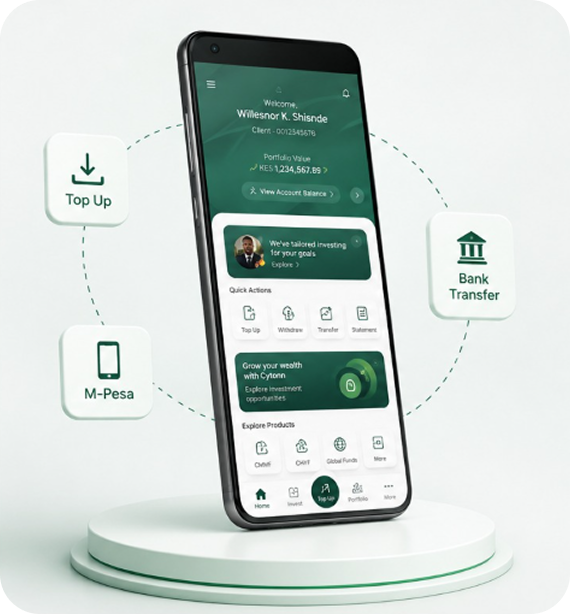
Download the Cytonn App from the Playstore or AppStore

  • Login the app and select Top Up on the Home screen
  • Select the account to top up and enter the amount
  • Select M-pesa or Bank payment method. For M-pesa an M-pesa pop up message will appear.
  • Enter your M-pesa pin to complete the transaction
  • For bank, the payment details will be displayed
  • Complete the transaction on your banking platform and upload proof of payment to complete
Deposit Using the Cytonn Client Portal

Deposit Using the Cytonn Client Portal

Go to our Client Portal

  • Select Top Up on the dashboard
  • Select the account to top up and enter the amount
  • Select M-pesa or Bank payment method
  • For M-pesa, an M-pesa pop-up message will appear. Enter your M-pesa pin to complete the transaction
  • For bank, the payment details will be displayed. Complete the transaction on your banking platform and upload proof of payment to complete
Deposit Using USSD

Deposit Using USSD

On your phone

  • Dial *809# and enter your transaction PIN
  • Select Top Up and choose the account to top up
  • Enter the amount and select Mpesa or Bank payment method
  • For M-Pesa, an M-Pesa pop-up message will appear. Enter your M-pesa pin to complete the transaction
  • For bank, you will receive an SMS containing the payment details
  • Complete the transaction on your banking platform and email the proof of payment to clientservices@cytonn.com
Deposit Using the Cytonn Virtual Assistant

Deposit Using the Cytonn Virtual Assistant

Go to Top Up

  • The Cytonn virtual assistant will prompt you to enter your client code and phone number.
  • An M-pesa pop-up message will appear.
  • Enter your M-pesa pin to complete the transaction
  • For bank, you will receive an SMS containing the payment details.
  • Complete the transaction on your banking platform and email the proof of payment to clientservices@cytonn.com
Bank Deposit Details for Diaspora Investors

Bank Deposit Details for Diaspora Investors

Bank name:
TD Bank
Bank account name:
CYTONN INVESTMENTS MANAGEMENT LLC
Account number:
4441278515
Routing number:
054001725
Fedwire ABA for Wires:
031101266
SWIFT:
NRTHUS33XXX

Customer Care Get in touch with us 24/7 Our dedicated team is always available to assist you with any questions, support or information you need.

Cytonn Assistant Logo New

Try Cytonn Assistant

Top